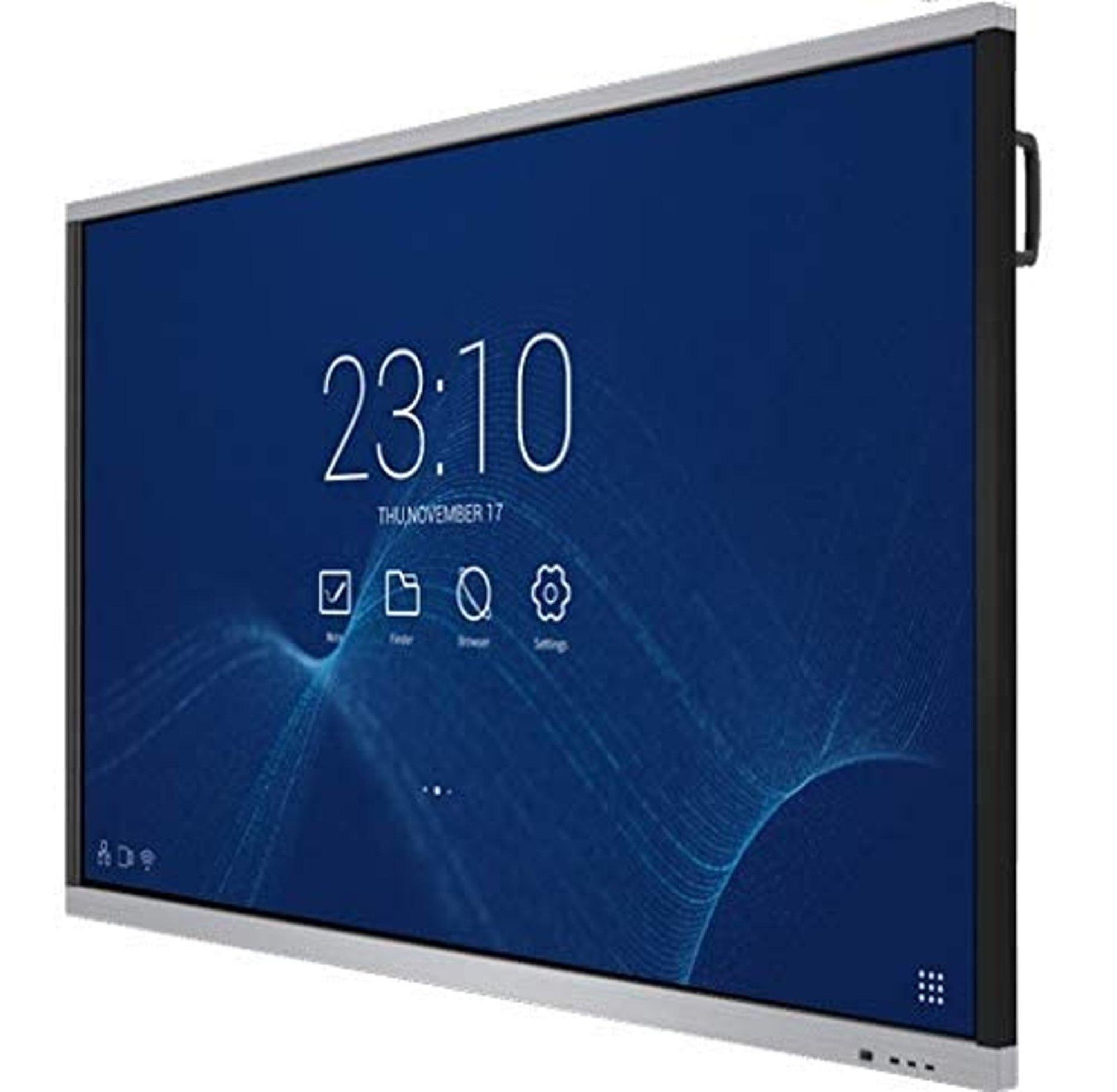
The Samsung LH75WMBWLGCXUE / Flip Pro WM75B (75”) is a high-end interactive display designed for education, corporate meeting rooms, and collaborative spaces. It fuses large-format 4K display capabilities with multi-touch interactivity, digital whiteboard features, seamless connectivity, and software designed for interactive engagement. (Samsung India)
Samsung markets it under their “Flip Pro” line of interactive signage displays. (Samsung India)
The “Flip” branding implies it is optimized for writing, drawing, collaboration, and easy transitions between content and annotation.
Here are the standout features and strengths of the model:
| Feature | Description / Benefit |
|---|---|
| Display & Panel | 75-inch 4K UHD (3840 × 2160) resolution. (Samsung India) Uses a VA panel with wide viewing angles (≈ 178° horizontal/vertical) (Samsung India) |
| Touch / Interactivity | Multi-touch support for up to 20 simultaneous touch points to enable group interaction. (Samsung India) Very low latency (~26 ms) with prediction logic to make writing/drawing feel natural. (Samsung India) Supports writing / erasing with finger, stylus, or palm gestures. (Samsung India) |
| Connectivity | Ports: HDMI In (×2), DisplayPort In, USB Type-A (front, rear), USB Type-C (front) with 3-in-1 functionality (charging, touch, display) (Samsung India) Network / wireless: RJ45, WiFi, Bluetooth built-in. (Samsung India) RS232 for control, audio out, etc. (Samsung India) |
| Software / OS / Platform | Runs Tizen 6.5 OS. (Officeflux) Has built-in whiteboard, annotation, screen sharing, and meeting features. (Samsung India) Supports AirPlay 2 for wireless casting from Apple devices. (Samsung India) Supports simultaneous connection of up to 50 devices (SmartView+) and splits screen into multiple views. (Samsung India) Has support for MagicINFO remote management for pushing content/alerts. (Samsung India) |
| Brightness / Image Quality | Typical brightness ~ 350 nits (without glass) and ~220 nits with protective glass in place. (Samsung India) Contrast ratio (without glass): ~4000:1. (Samsung India) Color gamut coverage ~72% (standard). (Officeflux) |
| Response Time & Refresh Rate | Response time: ~ 8 ms (Microless) Refresh rate: 75 Hz (buy4less.ae) |
| Power & Efficiency | Power supply: AC 100–240V, 50/60 Hz. (Samsung India) Power consumption (On mode): ~ 473 W (Samsung India) In sleep mode: ~ 0.5 W (Samsung India) |
| Design & Build | Slim bezel design: top/left/right ~20.4 mm, bottom ~44.7 mm. (Samsung India) Frame made of aluminum/metal. (Samsung India) VESA mounting: 400 × 400 mm (can be wall mounted). (Samsung India) Weight (set): ~ 59.3 kg (Samsung India) Package weight (boxed): ~ 72.2 kg (Samsung India) |
| Durability / Extras | Antimicrobial coating on screen surface to inhibit microbial growth. (Samsung India) Screen is wrapped in shatter-resistant film to reduce damage in case of breakage. (Samsung India) Rear handle for easier movement. (Samsung India) |
This display is especially suited for:
Some strengths:
Guaranteed safe & secure checkout